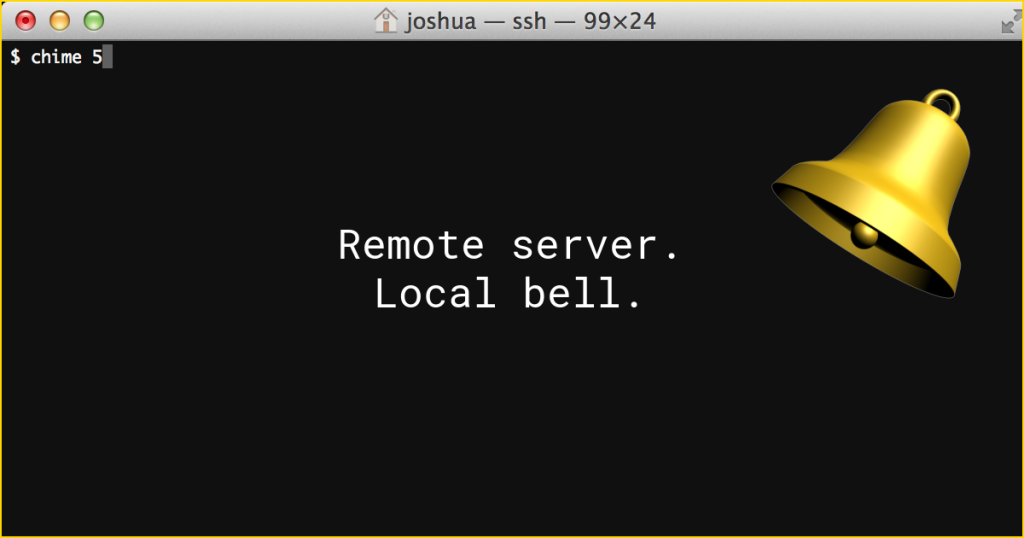
I needed notification, in my local terminal, when a remote process was finished executing. I also thought it would be nice if I could wait for multiple notifications and tell them apart by the number of bell sounds I heard. I came up with this.
On your remote server, copy the following to /usr/local/bin, rename it chime, and make it executable:
If your remote server runs Ubuntu, then this slightly longer script will install the needed dependency (tput) and install the script for you:
To have your local terminal chime once, run chime in your remote shell:
chime
To have your local terminal chime five times, run chime with an argument of 5:
chime 5
… and you should be good to go.